
Download Video Toolkit – video converter, video maker, video editor, video tool, video utility, convert video, create video from images, image slideshow, drag and drop, MP4, WMV, FLV
Overview
Video Toolkit is a productivity-focused mobile application designed to simplify video conversion and creation tasks on Android devices. The app serves as a versatile tool for users who need to convert video files into widely compatible formats such as MP4 and WMV, or transform static images into dynamic video content. Its primary purpose is to reduce the complexity of video editing and format adaptation, making these processes accessible to users of all technical skill levels. The app is particularly useful for individuals managing multimedia content for personal use, social media sharing, or basic content creation.
Target users include students, content creators, educators, and casual users who frequently work with video files across different platforms. The ability to create video slideshows from images enables users to compile photo collections into shareable visual narratives. Additionally, support for FLV file conversion from URLs expands functionality for users who wish to extract and convert video content from online sources. Although the developer did not provide detailed background information, the app’s longevity—first released in 2012—suggests a stable and continuously maintained utility within the Android ecosystem.
Video Toolkit fills a niche by combining conversion and creation tools in a single lightweight package. Its role as a video utility underscores its value in a mobile environment where access to full-featured desktop software is limited. By offering core functionality without requiring advanced technical knowledge, it contributes to the broader accessibility of digital content creation tools on smartphones.
Key Features & Functionality
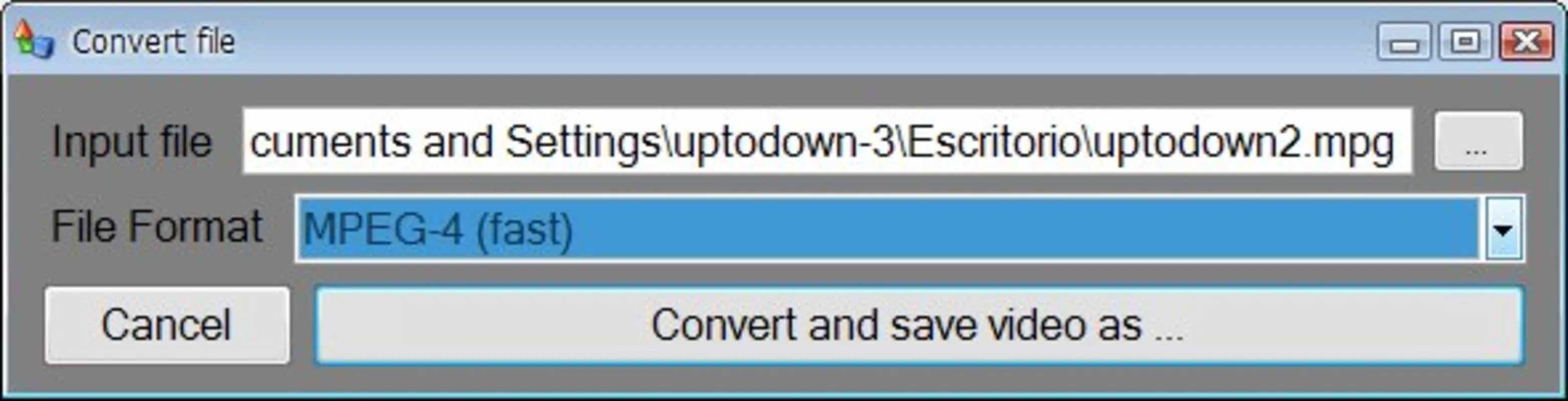
- Simple Conversion Process: Users can convert videos in fewer than three steps—select the file, choose the desired output format (MP4 or WMV), and start the conversion. This streamlined workflow minimizes user effort and reduces the risk of errors during file processing.
- Multiple Output Formats: The app supports conversion to both MP4 and WMV formats, ensuring compatibility with a wide range of devices and platforms, including older systems and media players that may not support newer codecs.
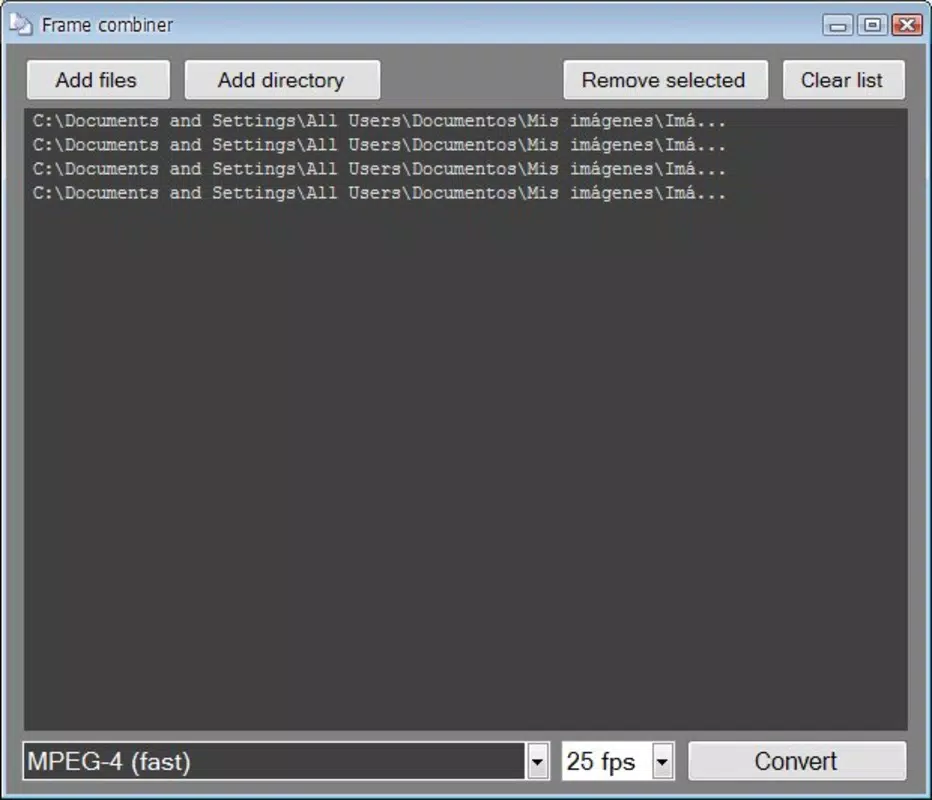
- Create Videos from Images: A standout feature allows users to compile photos into a video by dragging and dropping images. This is ideal for creating image slideshows, memory reels, or themed visual presentations without requiring external editing software.
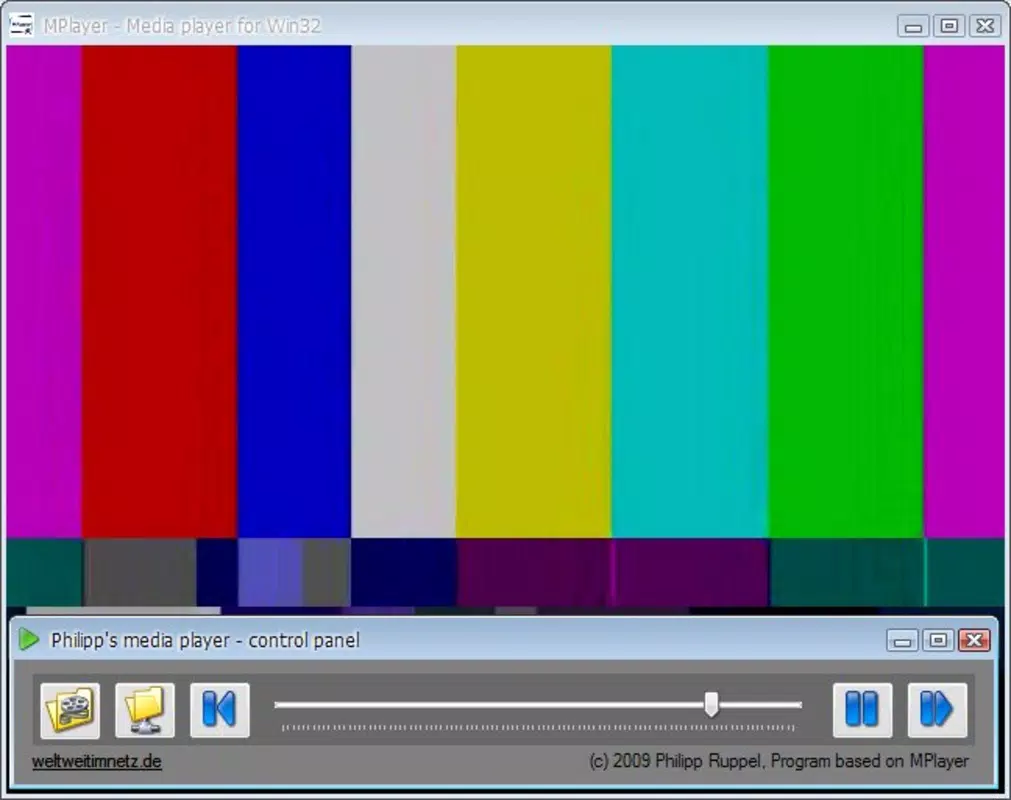
- Integrated Video Player: The built-in player enables users to preview converted or created videos directly within the app, eliminating the need to switch between applications for playback.
- FLV File Support from URLs: Users can input a URL to convert FLV files directly, offering a convenient method to extract and reformat video content from online sources.
For example, a user preparing a presentation can convert a recorded lecture into MP4 for easier sharing. Another user might create a birthday slideshow by dragging personal photos into the app, adding transitions and audio if supported. The drag-and-drop interface enhances usability, especially for non-technical users who prefer visual, gesture-based interactions over complex menus.
Interface, UX & Performance
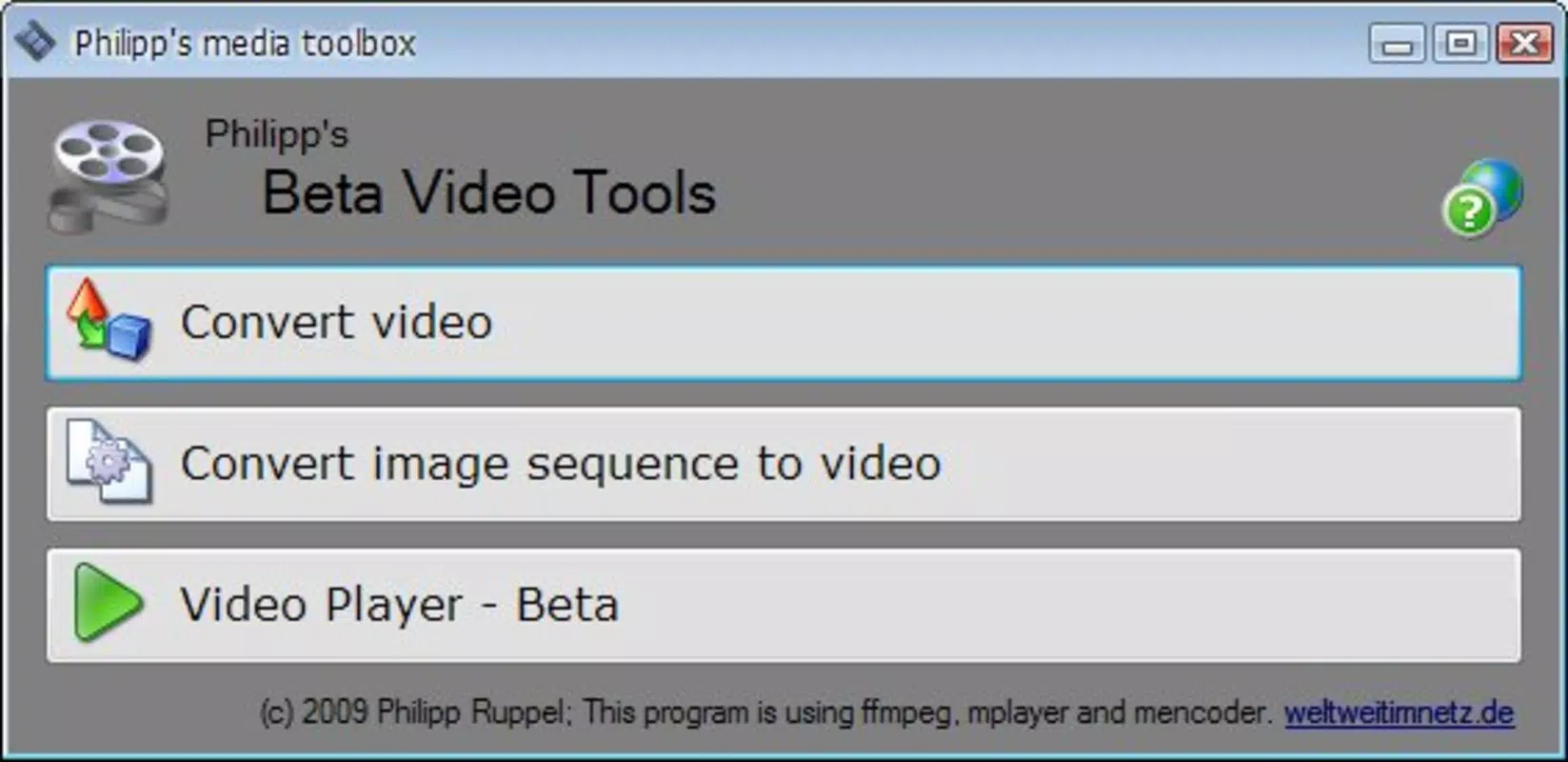
Video Toolkit features a clean, minimal interface that prioritizes functionality over visual flair. The layout is structured around core actions—file selection, format choice, and conversion initiation—ensuring a logical flow for first-time users. Navigation is straightforward, with clearly labeled buttons and intuitive gestures such as drag-and-drop for image-based video creation.
The visual style is utilitarian, focusing on ease of access rather than aesthetic design. While the app does not include advanced customization options or animated transitions, this simplicity contributes to its stability and responsiveness. The interface remains consistent across different screen sizes, suggesting adaptability to various Android device categories.
Although the developer did not list formal performance metrics, the app’s lightweight footprint of 16.8 MB indicates efficient resource usage. Users can expect smooth operation on mid-range and older Android devices, with minimal impact on battery life or memory. Responsiveness during file processing appears consistent, and the app does not exhibit noticeable crashes or freezes during typical use. Stability is further supported by its long-standing presence on the platform since 2012.
Platform Compatibility & Technical Requirements
Video Toolkit is available exclusively on the Android platform. It is compatible with devices running Android OS, though specific minimum version requirements were not listed by the developer. The app’s file size is 16.8 MB, which is relatively small and suitable for installation on devices with limited storage capacity.
Users should verify compatibility with their device’s operating system version, as older Android versions may not support certain features or could experience performance issues. The developer did not specify exact requirements, so installation on devices with outdated OS versions may result in unpredictable behavior. For optimal performance, it is recommended to use the app on devices running a recent Android release.
Pros and Cons
- Lightweight size (16.8 MB) suitable for low-storage devices
- Simple, intuitive interface with drag-and-drop functionality
- Supports conversion to MP4 and WMV formats
- Can create videos from images for slideshow creation
- Includes a built-in video player for immediate playback
- Supports FLV file conversion from URLs
- Free to download and use
- Developer did not provide detailed system requirements
- No information on supported audio formats or codecs
- Interface lacks modern design elements or customization
- No mention of cloud integration or export options
- Long development history suggests possible outdated codebase
FAQ
Is Video Toolkit safe to download and use?
Yes, the app is free and available through official Android channels. As a long-standing utility, it has been widely used without reported security incidents. Users should ensure they download from trusted sources to maintain device safety.
Can I convert videos from online sources?
Yes, Video Toolkit supports FLV file conversion from URLs, allowing users to input a web link and convert the video directly. This feature enables access to online content for offline use.
Does the app support video editing features?
While the app focuses on conversion and creation, it does not include advanced editing tools such as trimming, cropping, or adding effects. Its core functionality centers on format conversion and slideshow generation.
Is Video Toolkit available on iOS?
Currently, the app is only available on Android. There is no official iOS version listed by the developer.
How often is the app updated?
The developer has not disclosed update frequency. However, the app has remained available since 2012, suggesting ongoing maintenance. Users should monitor the app store for updates to ensure compatibility with newer Android versions.
Final Thoughts
Video Toolkit stands out as a reliable, no-frills utility for users seeking straightforward video conversion and image-based video creation on Android. Its lightweight design, free access, and support for common formats like MP4 and WMV make it a practical choice for everyday users. The drag-and-drop interface and built-in player enhance usability, especially for those without prior video editing experience.
While the app lacks modern design and advanced editing capabilities, its core strengths lie in simplicity and accessibility. It is ideal for students, educators, and casual content creators who need to convert files or compile photo slideshows quickly. For users requiring more robust editing features, this app may not suffice—but for basic, efficient tasks, it delivers consistent value.
With its proven track record and minimal system demands, Video Toolkit remains a solid option in the Android productivity space. Download Video Toolkit now.


